UV Sync – One-Click Blender ↔ RizomUV Workflow Add-on
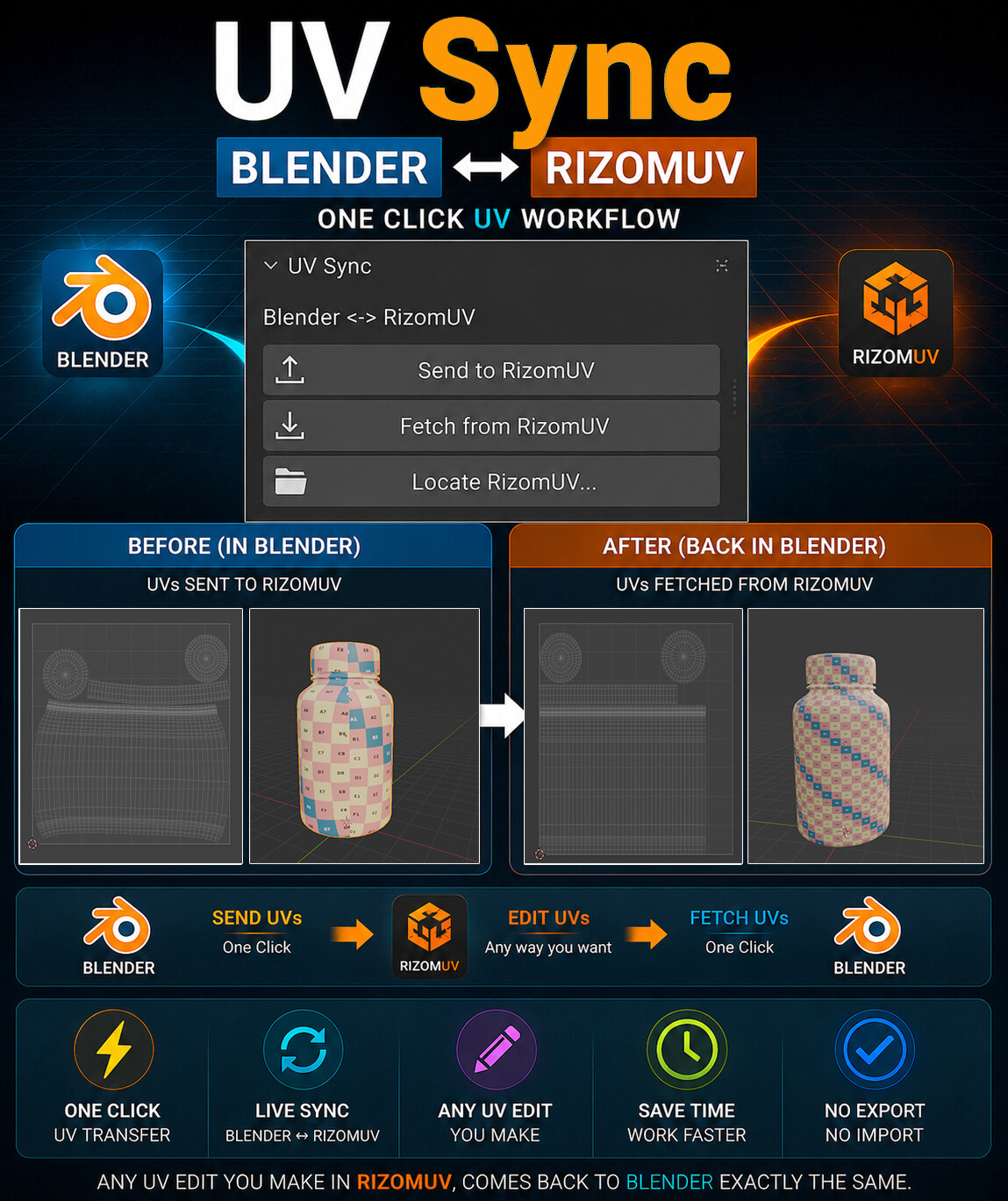
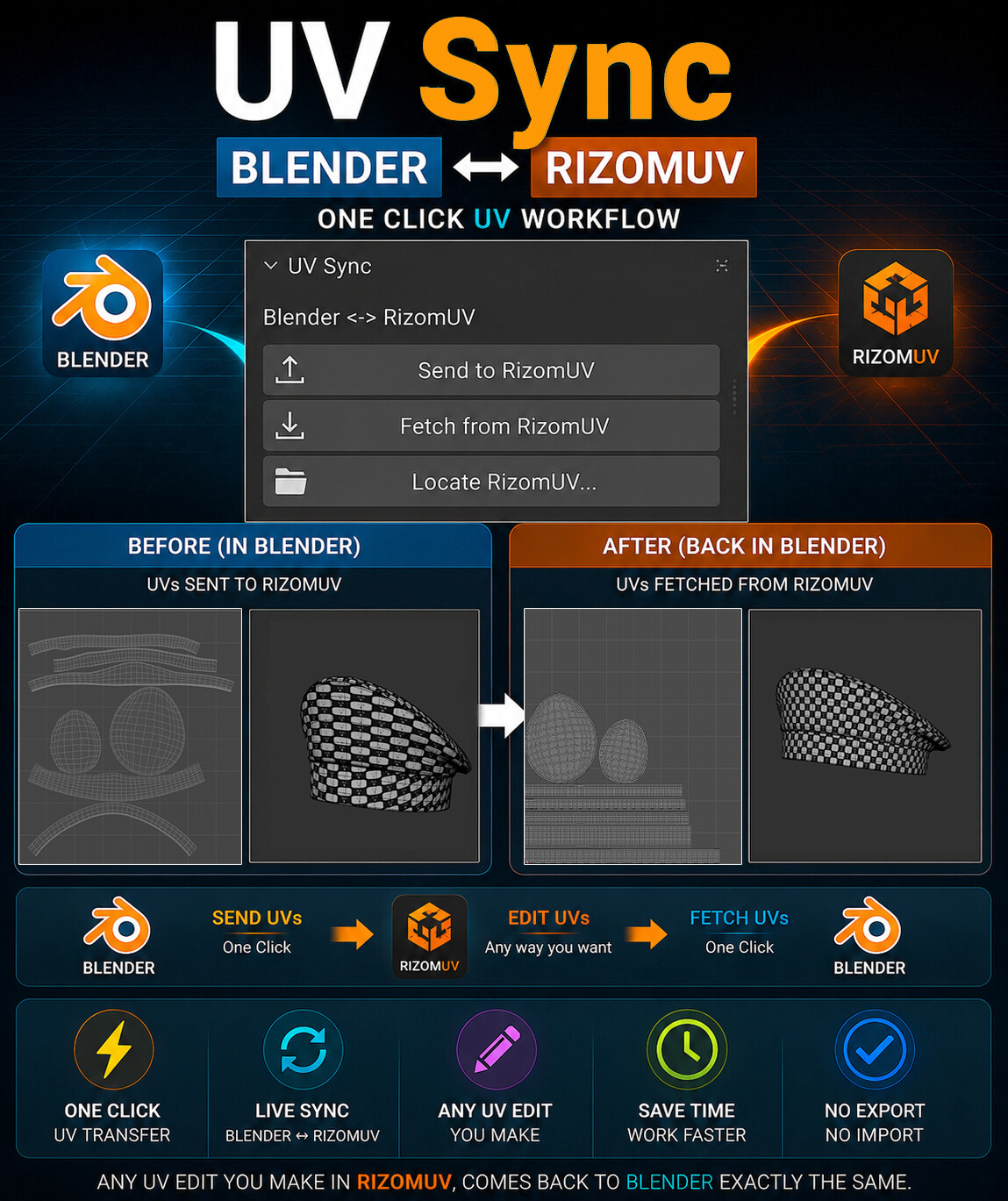
Speed up your UV workflow with UV Sync, a one-click bridge between Blender and RizomUV.
Instead of manually exporting and importing OBJ files every time you edit UVs, UV Sync lets you transfer your meshes directly from Blender to RizomUV, edit your UVs, and bring them back to Blender with a single click.
Whether you're packing UVs, straightening shells, optimizing layouts, or making any other UV edits, UV Sync removes repetitive steps and keeps your workflow fast and efficient.
Features
- One-click Send UVs from Blender to RizomUV
- One-click Fetch updated UVs back into Blender
- Supports single and multiple mesh workflows
- Preserves vertex order and face order
- Transfers only UV data while keeping your original geometry intact
- No manual OBJ export/import workflow
- Automatically opens RizomUV (if installed)
- Clean and simple interface
- Lightweight and fast
- Saves time on repetitive production tasks
Perfect For
- Game Artists
- Hard Surface Modelers
- Product Visualization
- Prop Artists
- Anyone using Blender and RizomUV together
Requirements
- Blender 3.x or later
- RizomUV
- No third-party Python packages required
Included
- UV Sync Add-on
- Installation Guide
- Documentation
Spend less time transferring files and more time creating better UVs. UV Sync handles the repetitive workflow, so you can focus on your art.