Edge Step Tool — Select Alternate Edge for Autodesk Maya


# Edge Step Tool — Select Alternate Edge
A fast, reliable edge ring/loop step-selector tool for Autodesk Maya.
## What it does
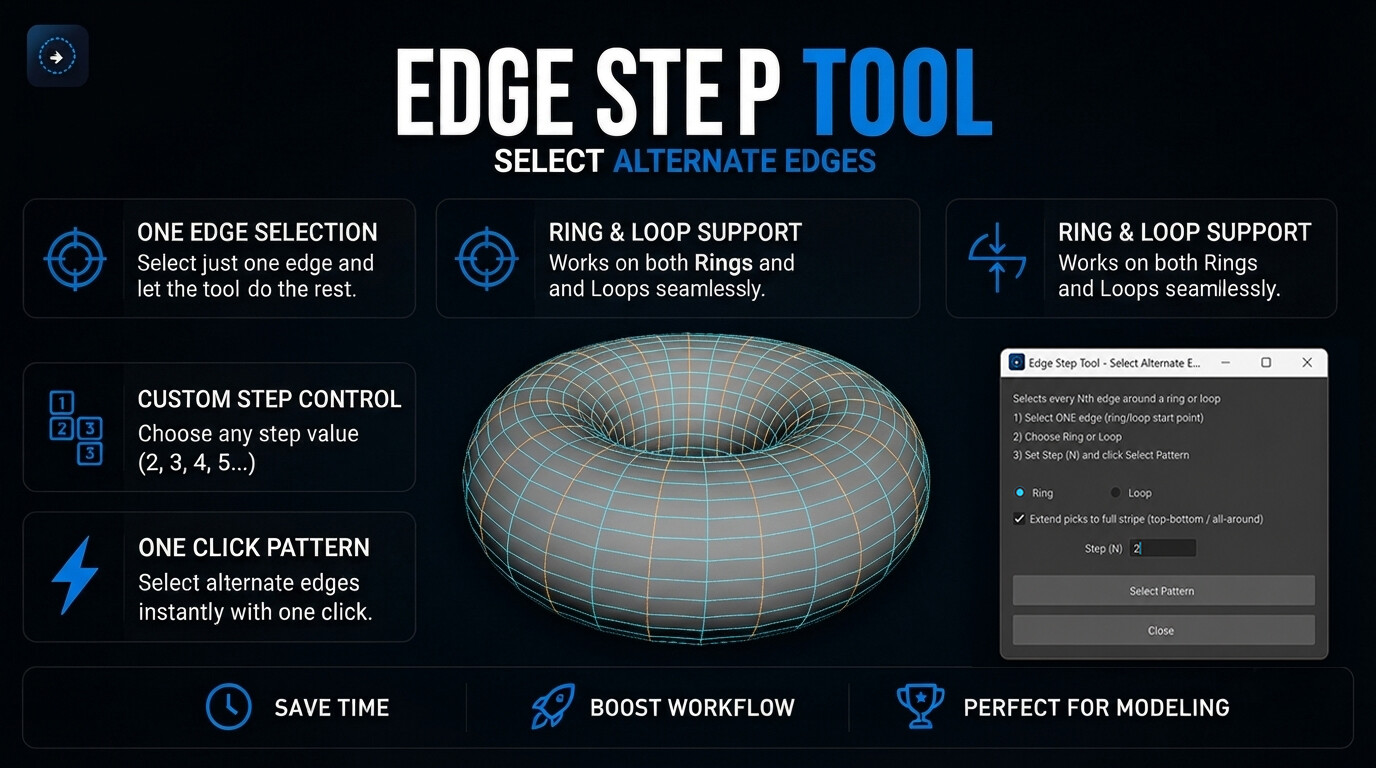
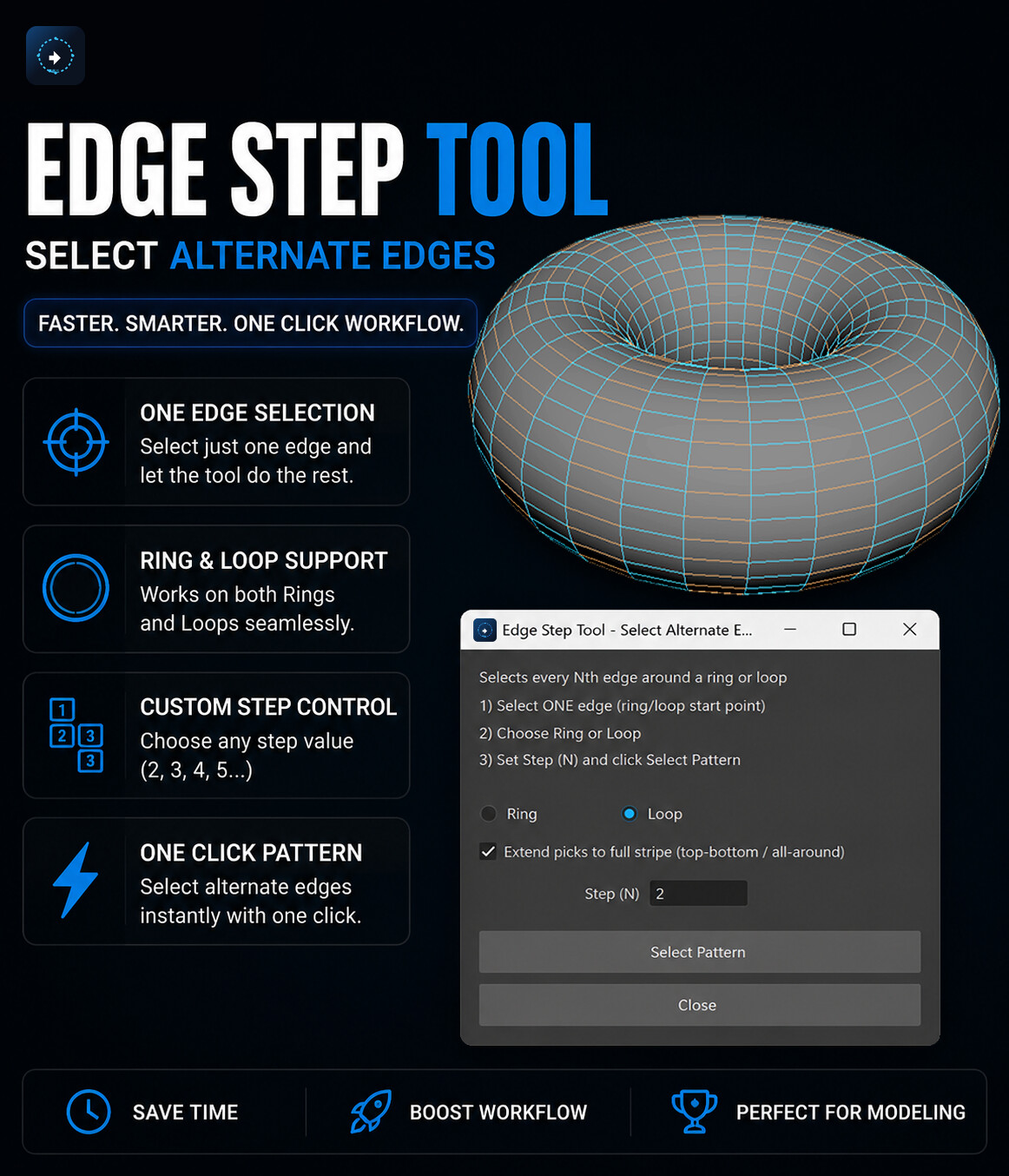
- Select every Nth edge along a ring or loop (e.g. every alternate edge)
- Extend selections into full top-to-bottom / all-around stripes
- One-click selection — no manual repeats, no guesswork
## Requirements
- Autodesk Maya 2017–2026
## Installation
1. Drag and drop the installer `.py` file directly into the Maya viewport
(not the Script Editor).
2. A setup window will appear. Follow these steps:
- Welcome → Next
- License → Read and accept → Next
- Install → Enter the installation password provided after purchase → Install
3. Once installation finishes, click Finish.
4. A new **Edge Step** button will appear on the **Custom** shelf tab in Maya. Click it anytime to open the tool.
## How to use
1. Select **ONE** edge on your mesh.
2. Choose **Ring** or **Loop** mode.
3. Set **Step (N)**:
- 2 selects every alternate edge
- 3 selects every third edge
- 4 selects every fourth edge, and so on
4. Enable **"Extend picks to full stripe"** to expand selected edges into complete perpendicular loops/rings.
5. Click **Select Pattern**.
## License
This tool is provided by Parveen 3D under the terms in `LICENSE.txt`.
Please read and accept the license before using the tool.
## Support
For questions, issues, or licensing enquiries, contact Parveen 3D.